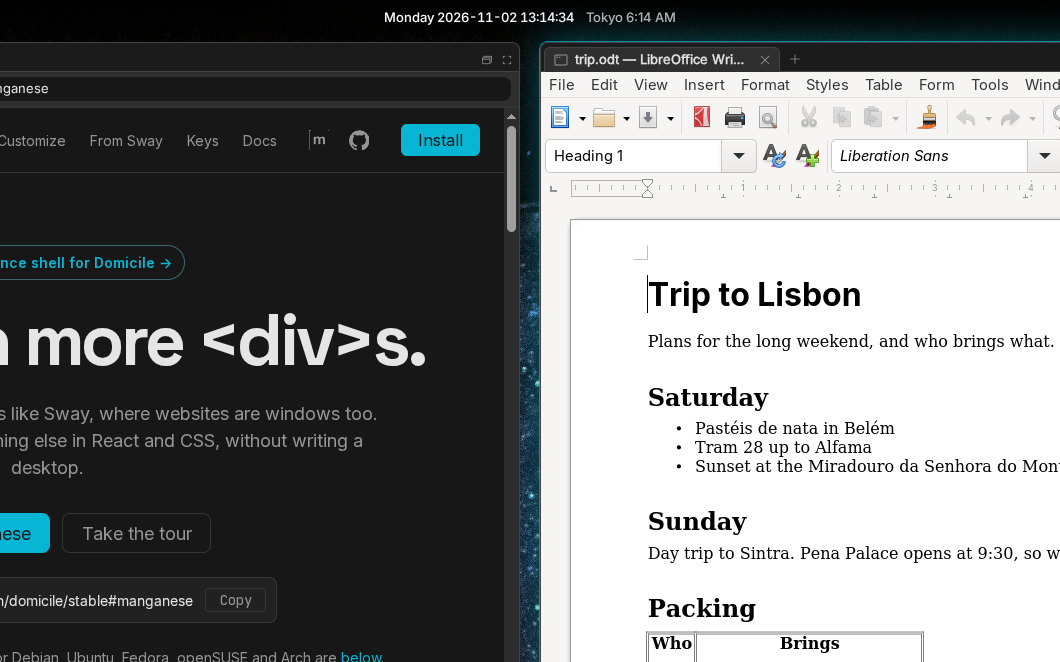
Tiling that feels like Sway
Split, tab, stack, float and the scratchpad, on Sway's keys and with Sway's command names. Your fingers already know it.
A tiling Wayland desktop that feels like Sway, where websites are windows too. Change its bar, launcher or anything else in React and CSS, without writing a desktop.
nix run github:cprussin/domicile/release#manganeseSplit, tab, stack, float and the scratchpad, on Sway's keys and with Sway's command names. Your fingers already know it.
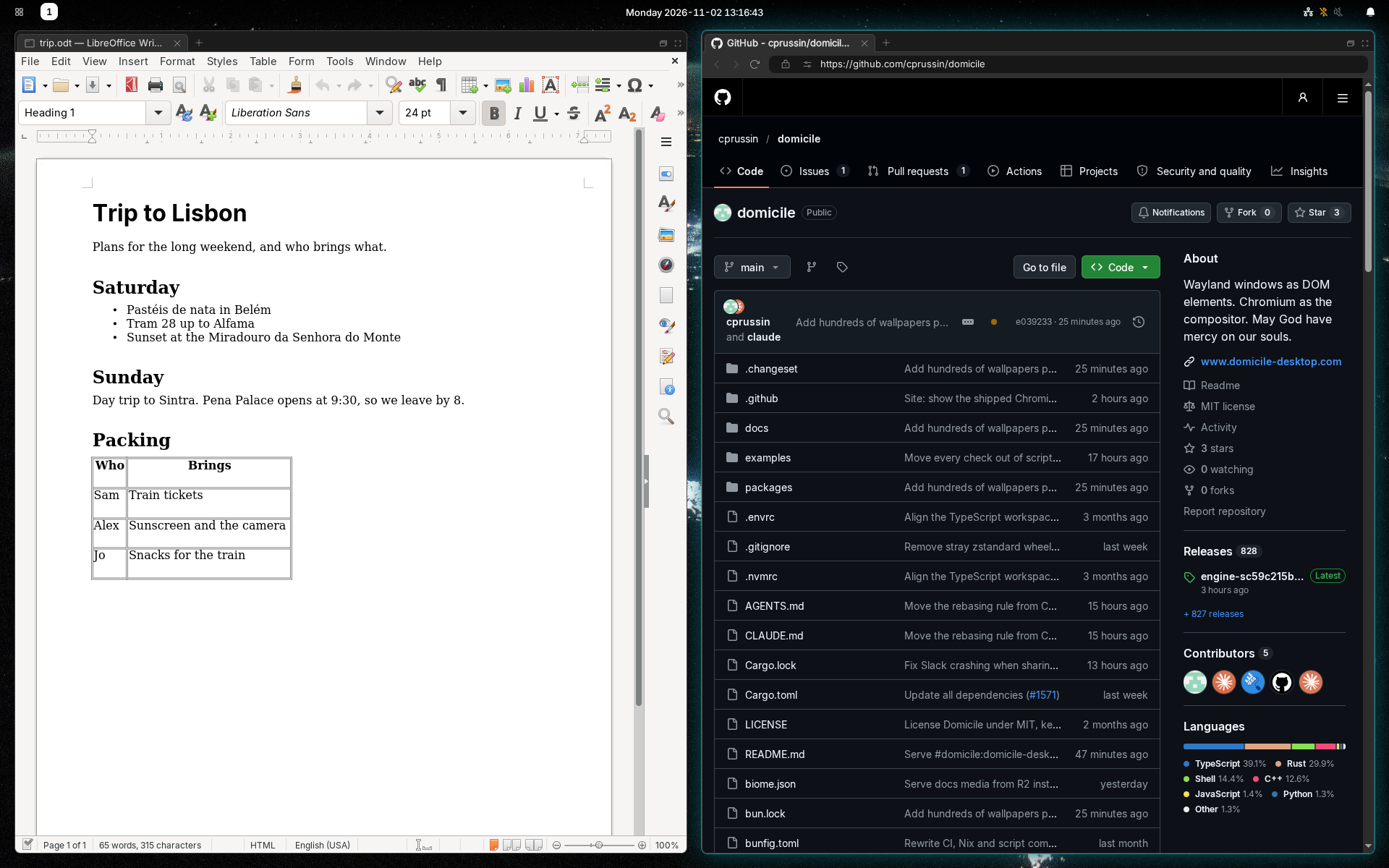
Put the page you're reading beside the document you're writing. Web pages tile, tab, float and move between workspaces like every other window, with the same keys.
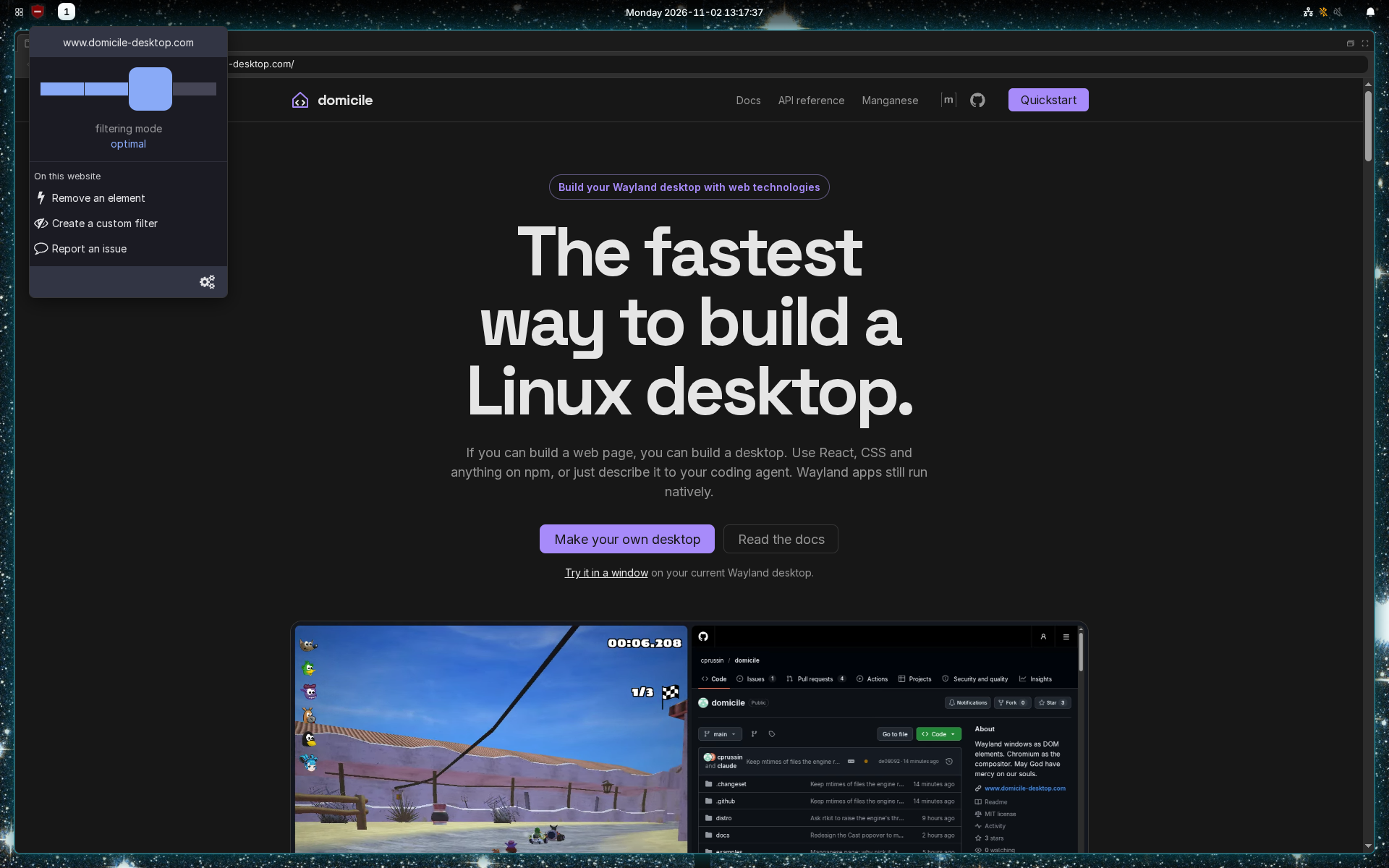
Add your password manager or ad blocker from the Chrome Web Store. Their buttons sit in the top bar, and they work in every browser window.
Keep all of manganese and add what you're missing. This bar item is a React component and a CSS file. Everything else stays as it was.
import { DEFAULT_BAR, runManganese } from "@domicile-desktop/manganese";import { useEffect, useState } from "react";import "./tokyo.css";const Tokyo = () => { const [now, setNow] = useState(new Date()); useEffect(() => { const timer = setInterval(() => setNow(new Date()), 1000); return () => clearInterval(timer); }, []); const time = now.toLocaleTimeString("en-US", { hour: "numeric", minute: "2-digit", timeZone: "Asia/Tokyo", }); return <span className="tokyo">Tokyo {time}</span>;};export const Shell = runManganese({ bar: { ...DEFAULT_BAR, center: [...DEFAULT_BAR.center, <Tokyo key="tokyo" />], },});The rest of a complete desktop, ready when you log in.
Apps, files and bookmarks in one search. Meta+Space.
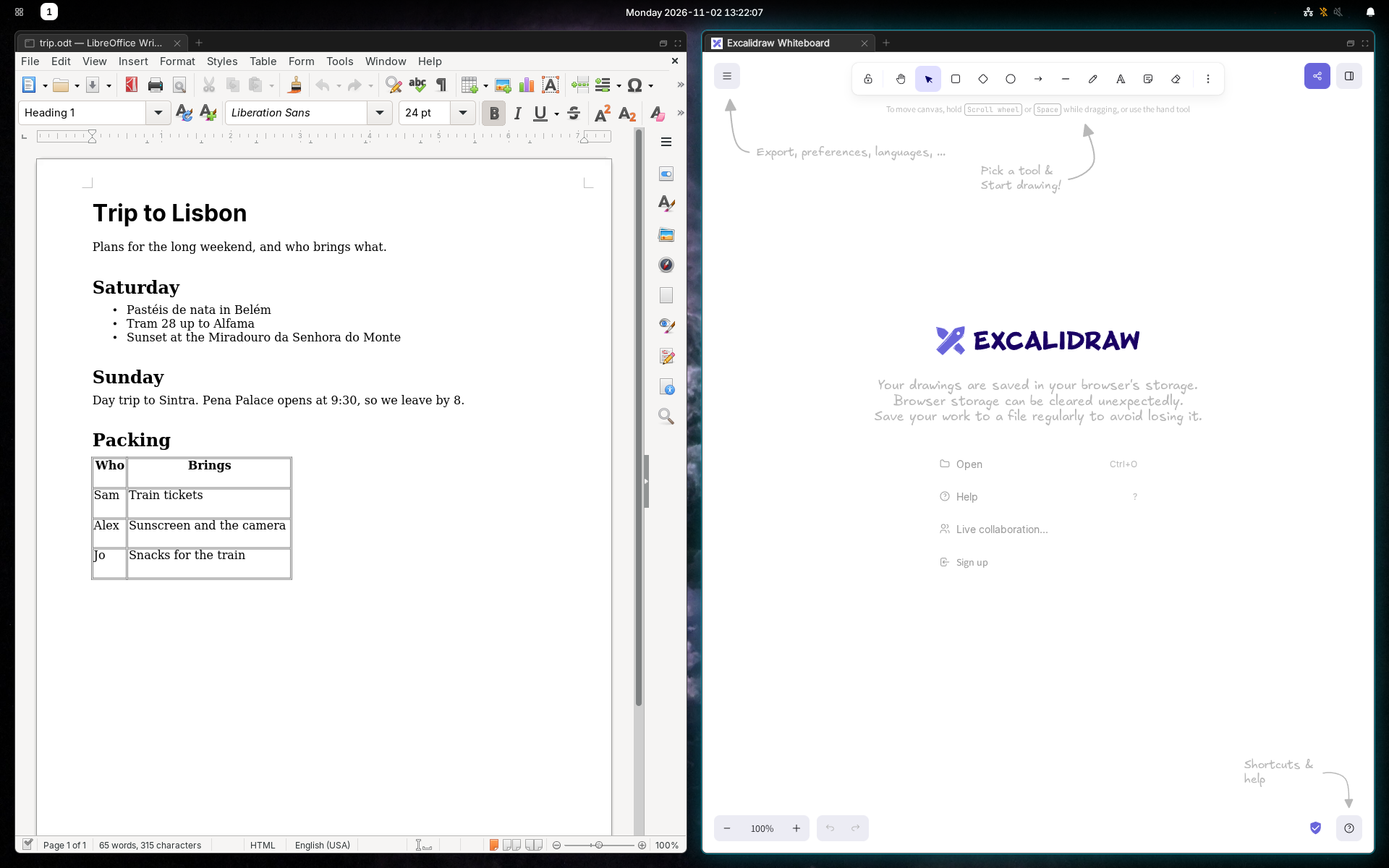
Any site as its own app window, without an address bar.
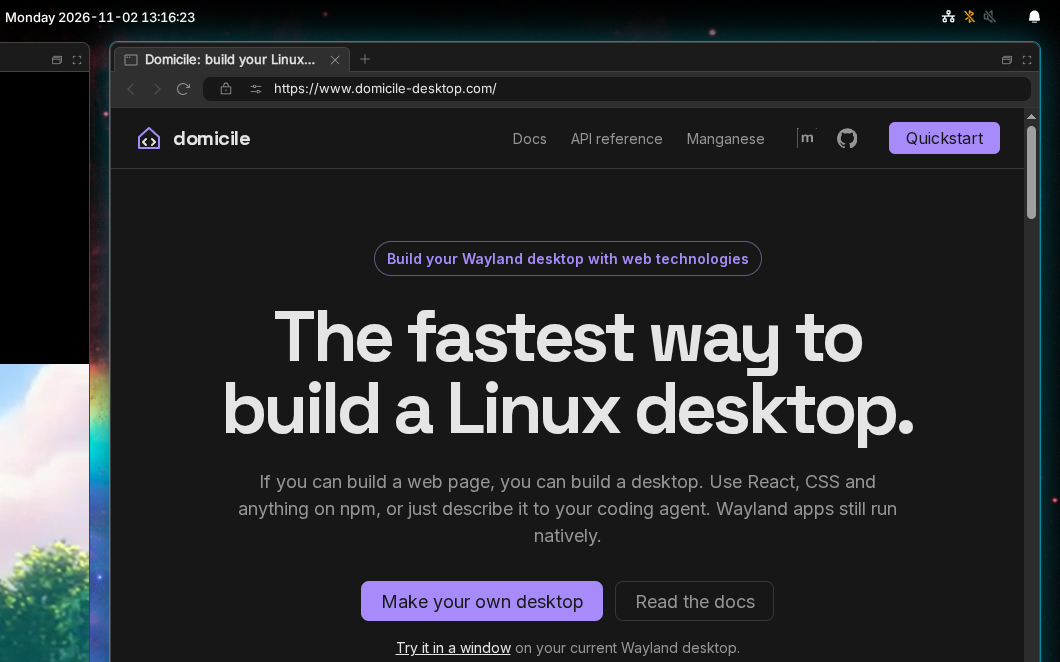
Workspaces, tray, quick settings and the clock.
Toasts, and a drawer that keeps the ones you missed.
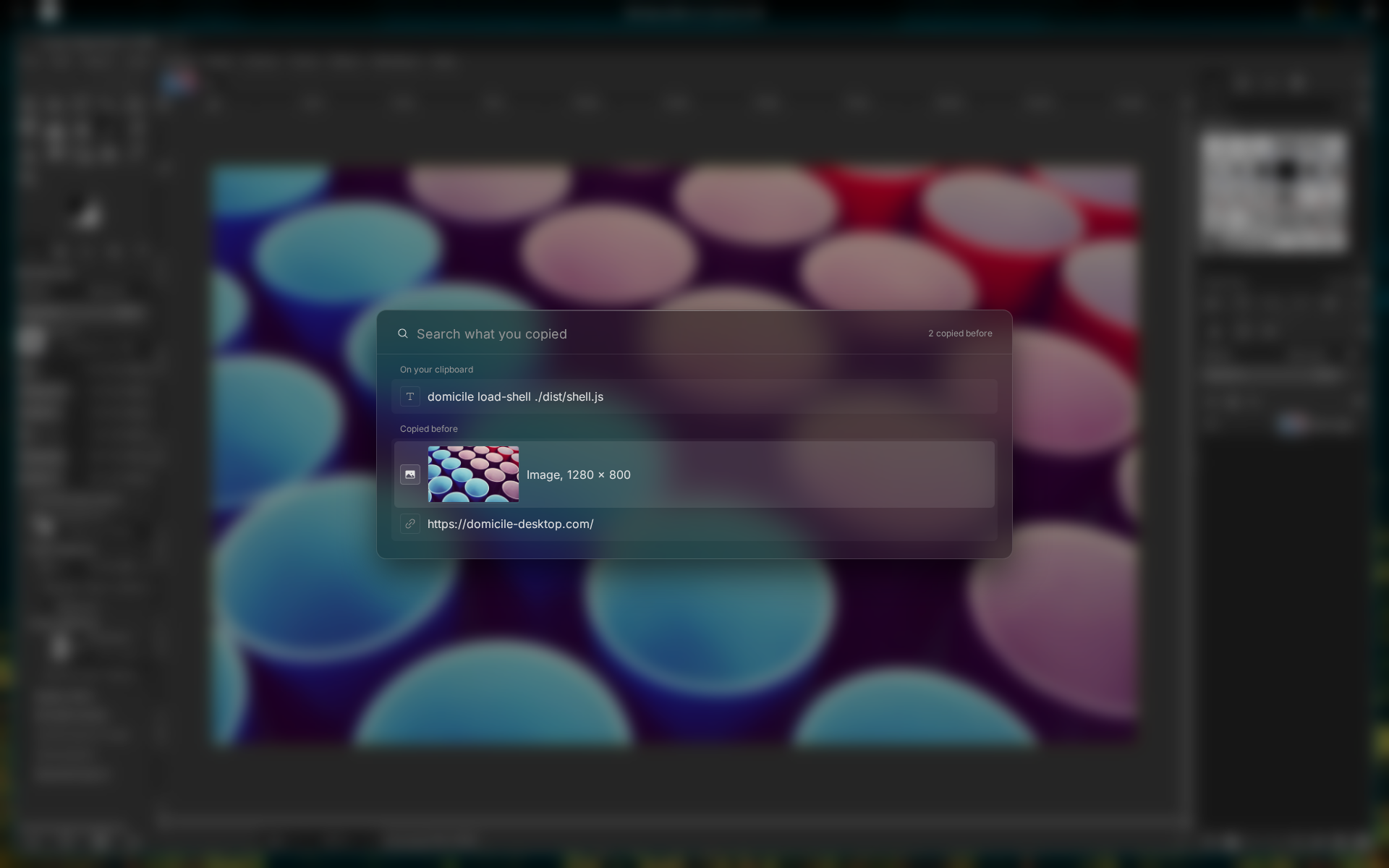
Meta+Shift+V. It keeps what you copied after the app closes.
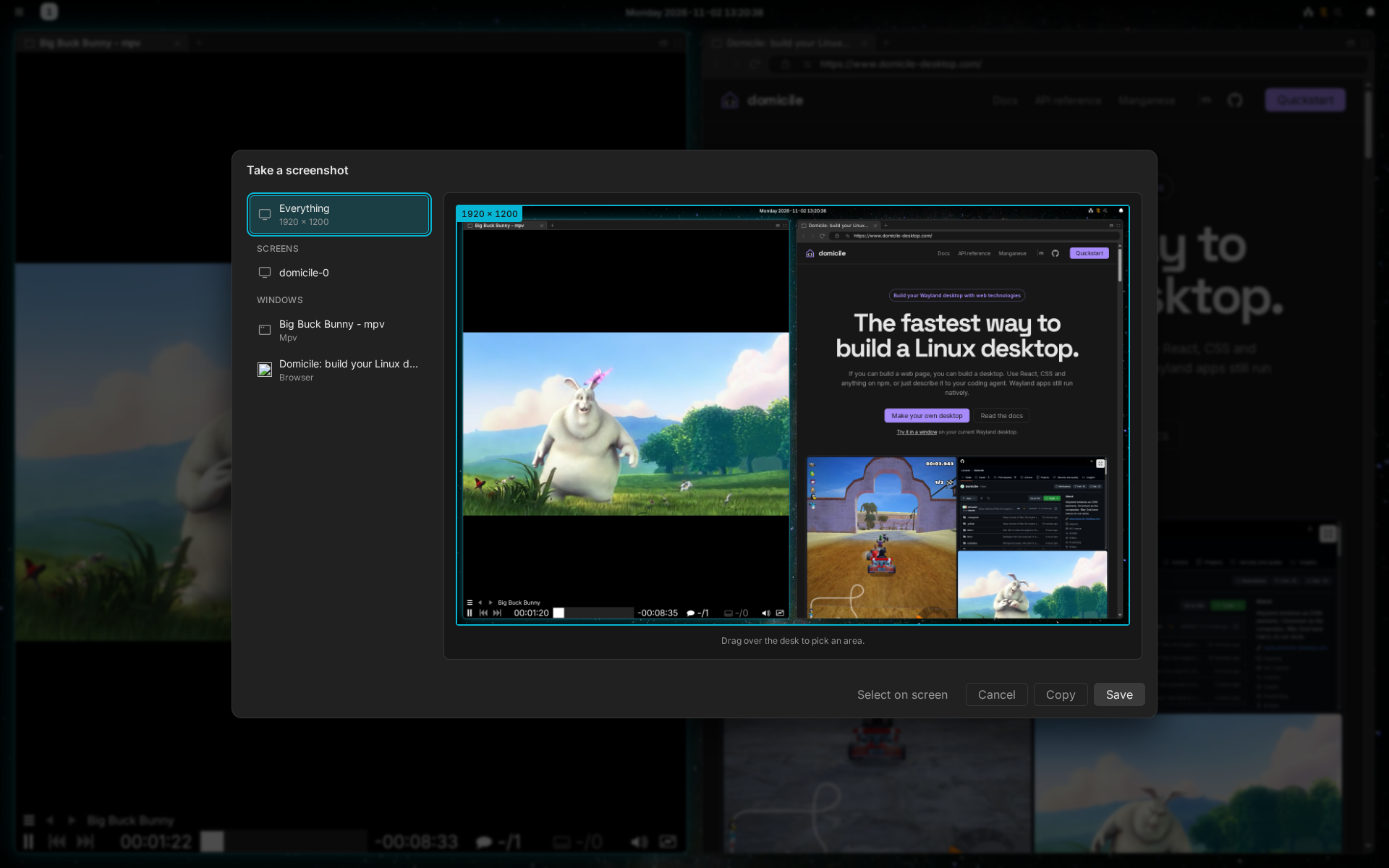
Press Print, pick an area, then save or copy it.
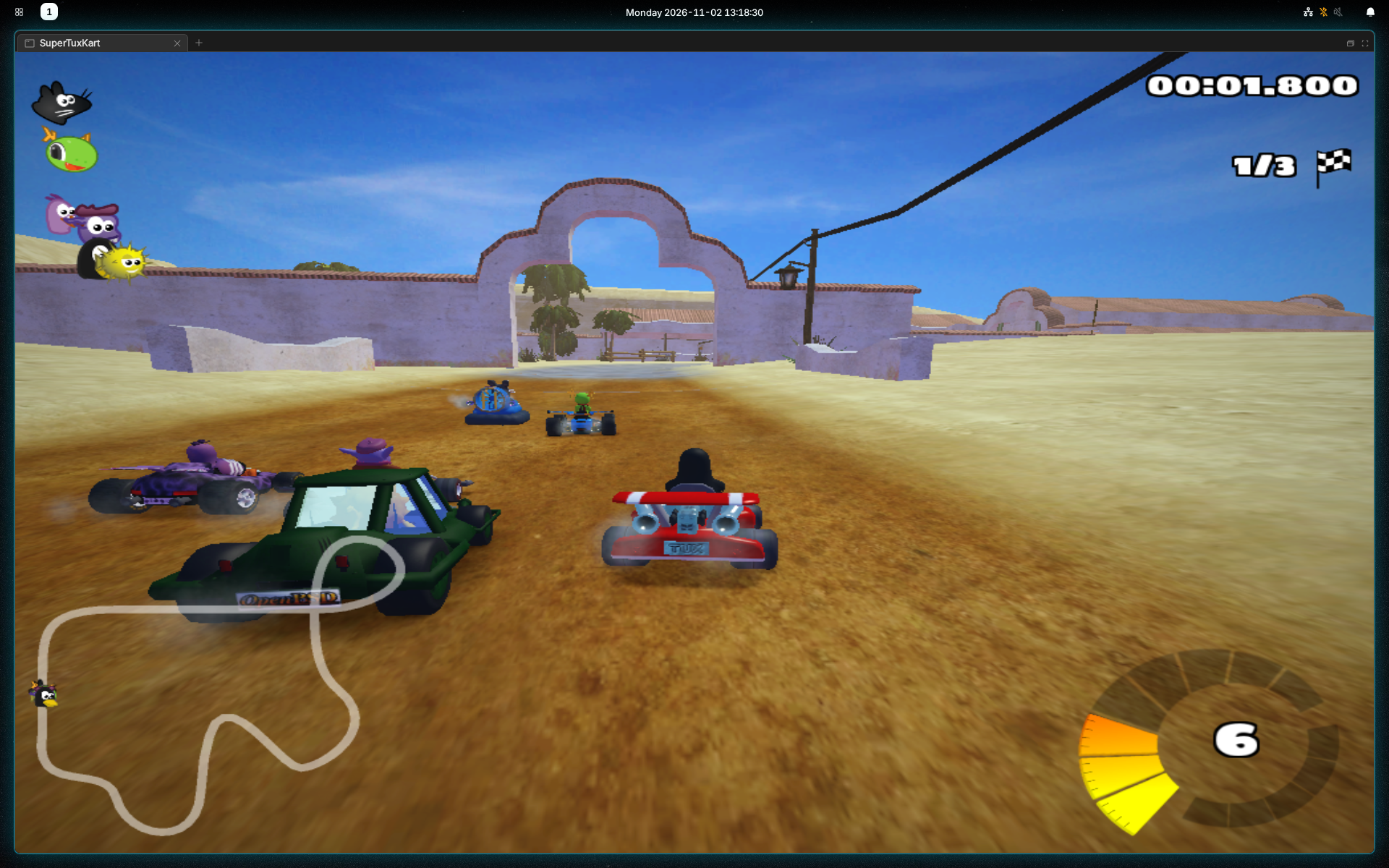
Meta+Shift+Return, before the machine sleeps, or after the idle time you set.
Windows move across the edge from one screen to the next.
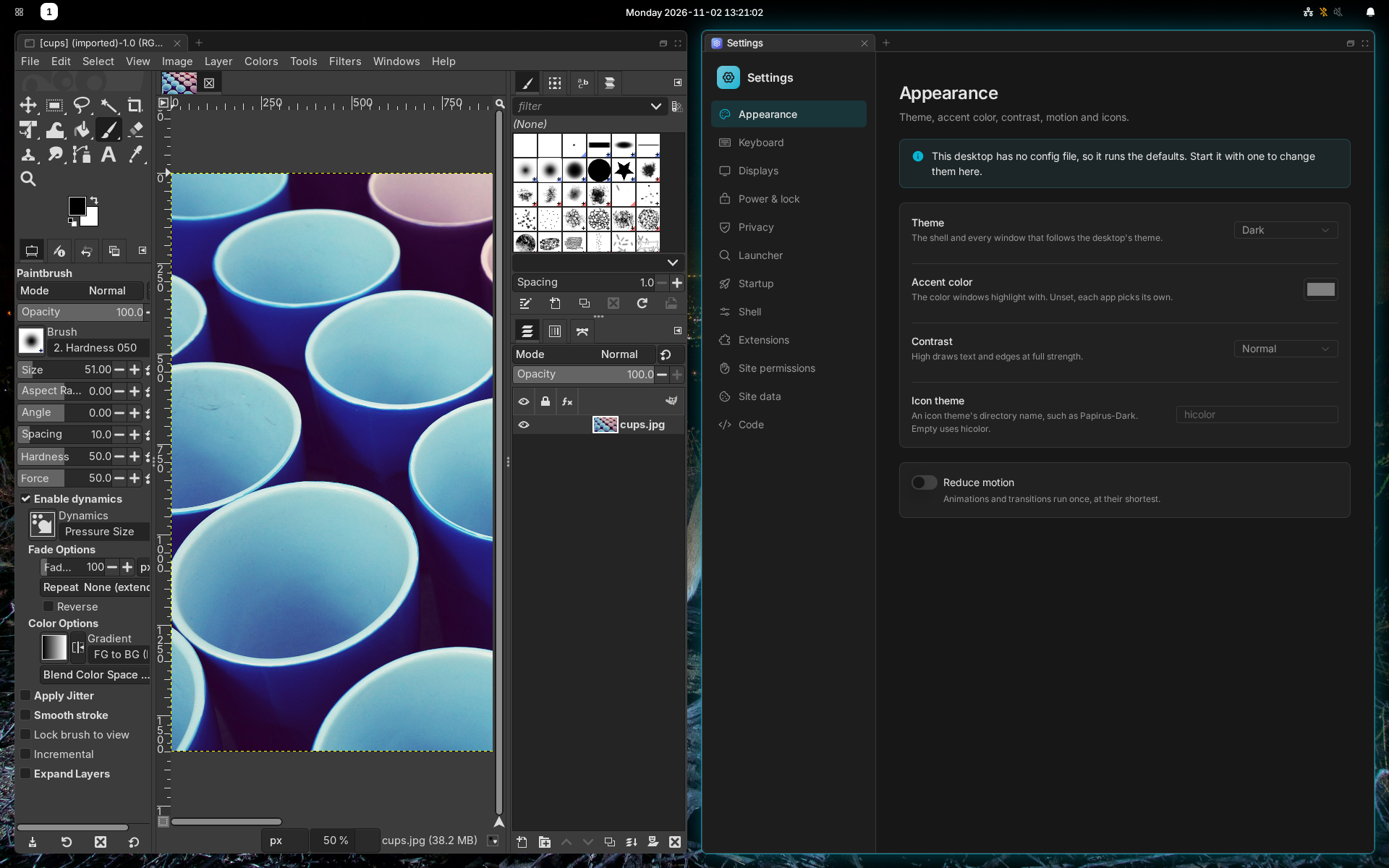
Displays, theme, shell options and your browsing history.
The layout and the keys will feel familiar. Your sway config won't carry over.
layout toggle splitdomicile send-shell workspace 2Run it in a window on the desktop you have now. Close the window and you're back.
With Nix, run manganese in a window on your current desktop, with nothing installed:
nix run github:cprussin/domicile/release#manganeseFrom a console login, the same command takes the whole screen.
nix run installs nothing on the system, so the password check the lock
screen uses (/etc/pam.d/domicile) is missing. Without it the screen doesn't
lock, not even when the computer sleeps, and a notification says so. To lock,
install a package or add the file (LOCK.md).
Installed already? From a terminal on your current Wayland desktop:
domicile @domicile-desktop/manganeseSway's keys, on Meta. Rebind any of them.
Install it from your package manager, then log in to the Domicile session.
Runs on x86_64 Linux. Wayland apps only, with no Xwayland. Checked on NVIDIA, AMD and Intel GPUs. What it runs on
Debian 13+ and Ubuntu 24.04+. On Debian 12 and Ubuntu 22.04, write legacy
in place of current.
sudo curl -fsSL -o /etc/apt/keyrings/domicile.asc https://packages.domicile-desktop.com/domicile.ascecho "deb [signed-by=/etc/apt/keyrings/domicile.asc] https://packages.domicile-desktop.com/apt current main" | sudo tee /etc/apt/sources.list.d/domicile.listsudo apt update && sudo apt install domicileOn every distribution but NixOS:
Pick manganese as your desktop in ~/.config/domicile/domicile.json:
{ "shell": "@domicile-desktop/manganese" }Then read First steps.
Click through the Settings app or write a config file. They change the same things, and every page in the docs shows both.
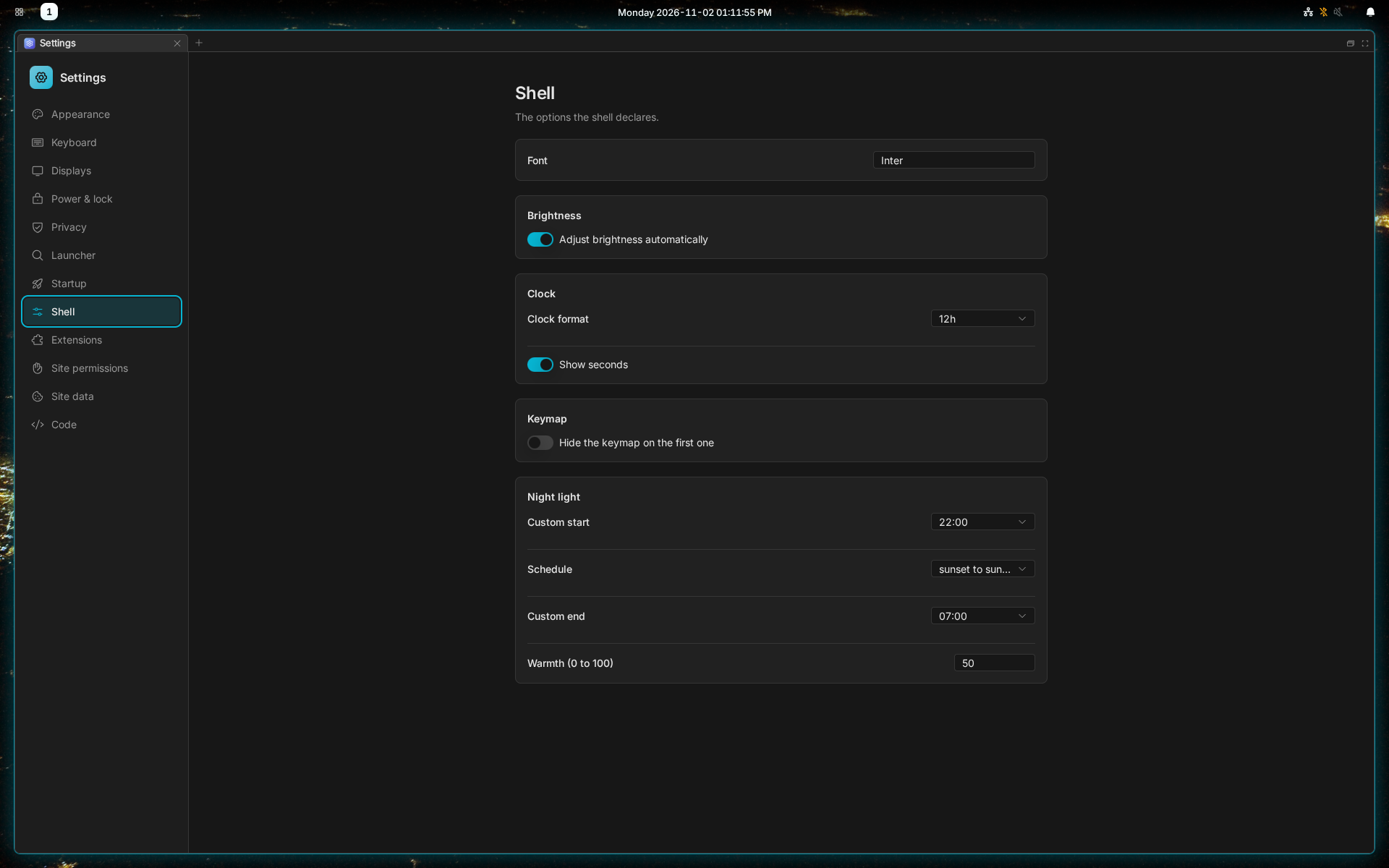
Manganese is HTML and CSS running on Domicile, and every part of it is a package. Write your own bar item, swap out the launcher, or build a whole new desktop.